Support At Home Aged Care User Guide
Agreement
Initial Agreement
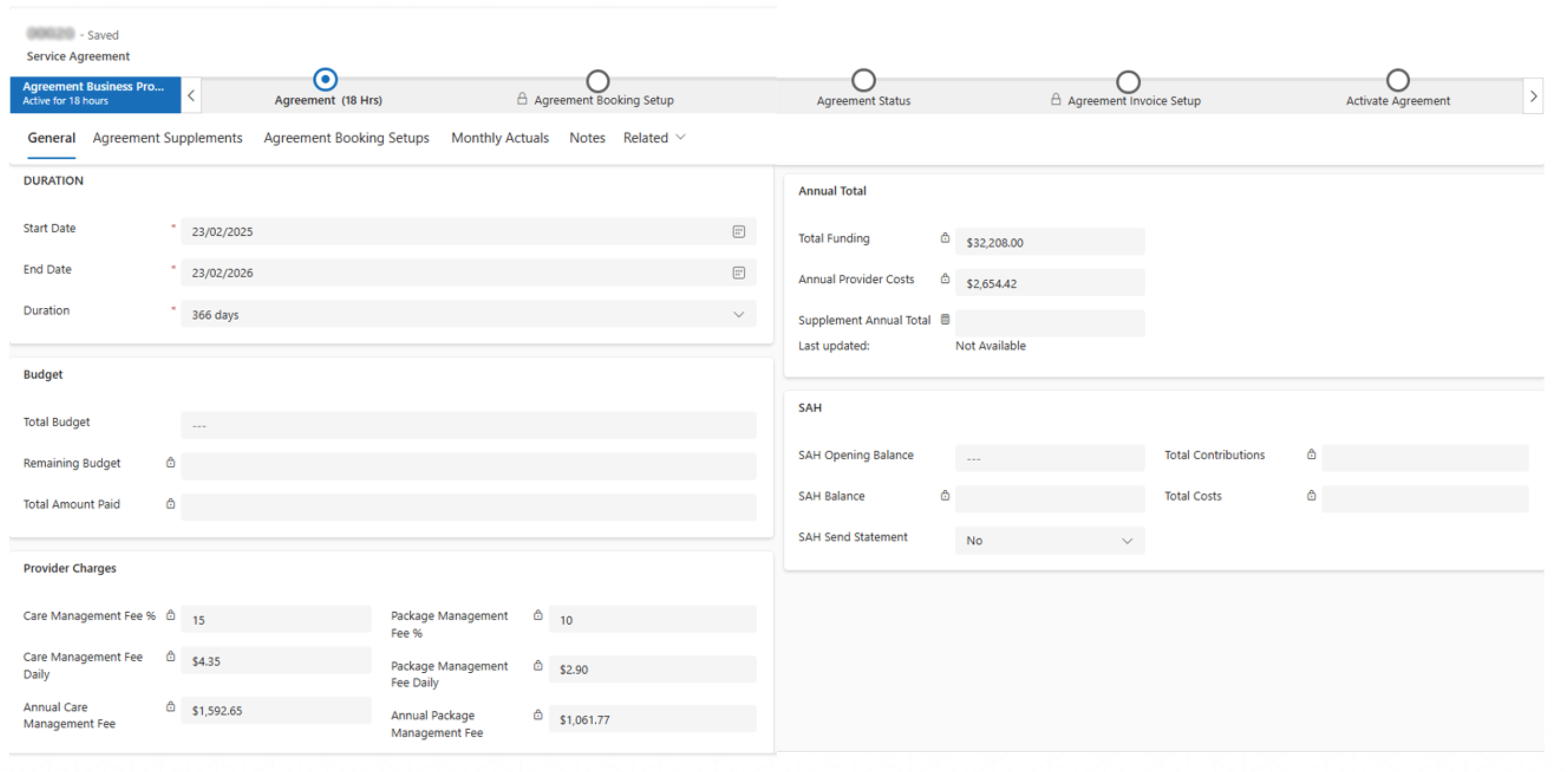
The Agreement is populated with the details from the quote line as the next few images will illustrate.
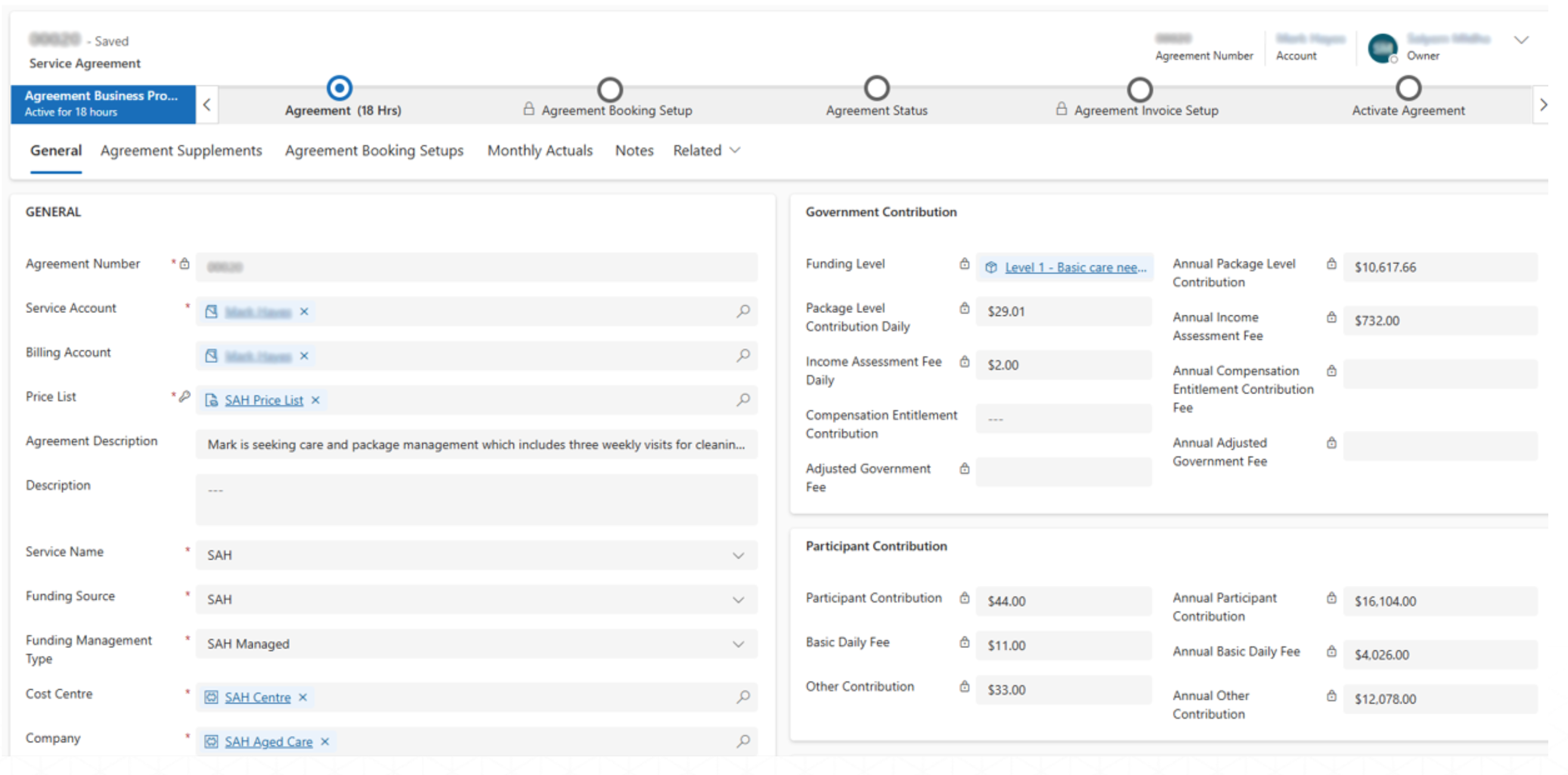
Nightly Balance
A flow has been setup that runs every night to calculate and update the non-highlighted fields as mentioned in the agreement section below.
Updated Automatically
- Total Contributions = Package Level Contribution + Income Assessment Fee + Compensation Contribution + Participant Contribution + Sum of all Supplements present in the agreement
- Total Costs = Work Order Service/Product + Provider Charges
- SAH Balance = (SAH Opening Balance + Total Contributions) - Total Costs
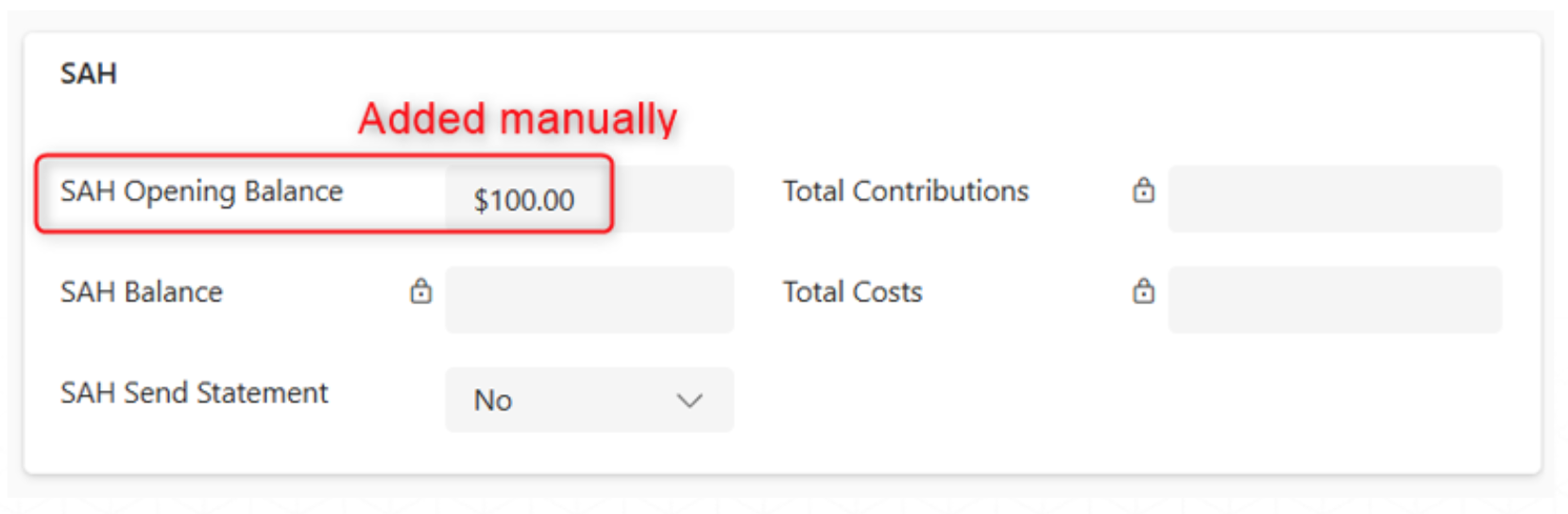
Added Manually, if any
- SAH Opening Balance
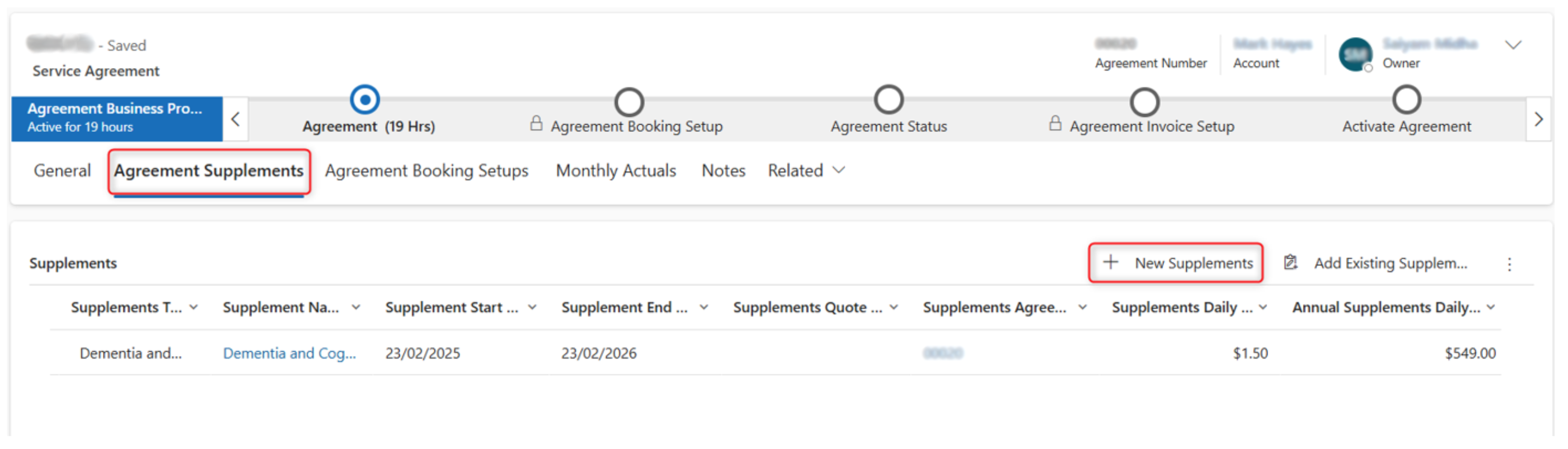
Supplements
The agreement is populated with the details from the quote as the next few images will illustrate.
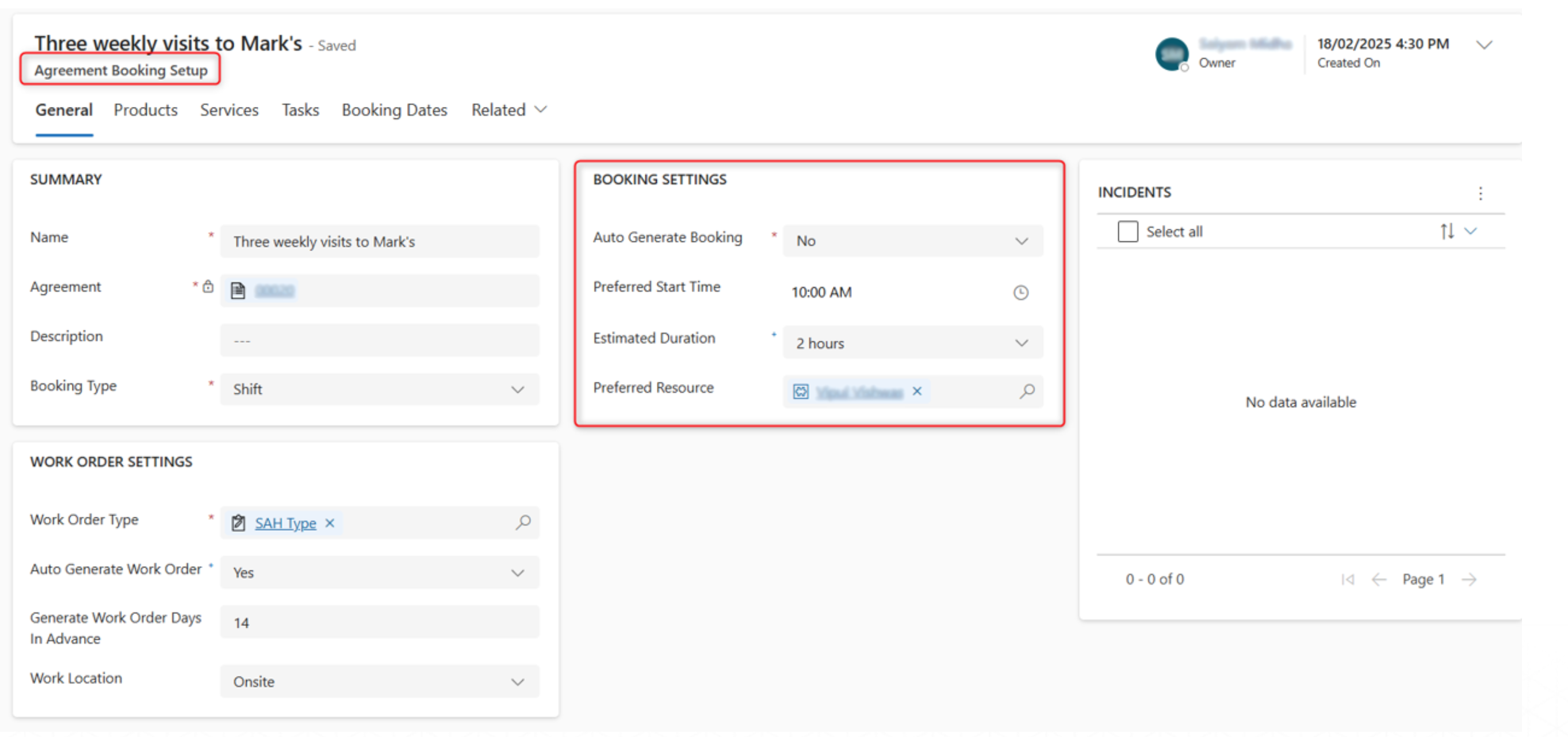
Booking Setups
Navigate to Agreement Booking Setups to see the Booking Settings and the Work Order Settings.
Booking Dates
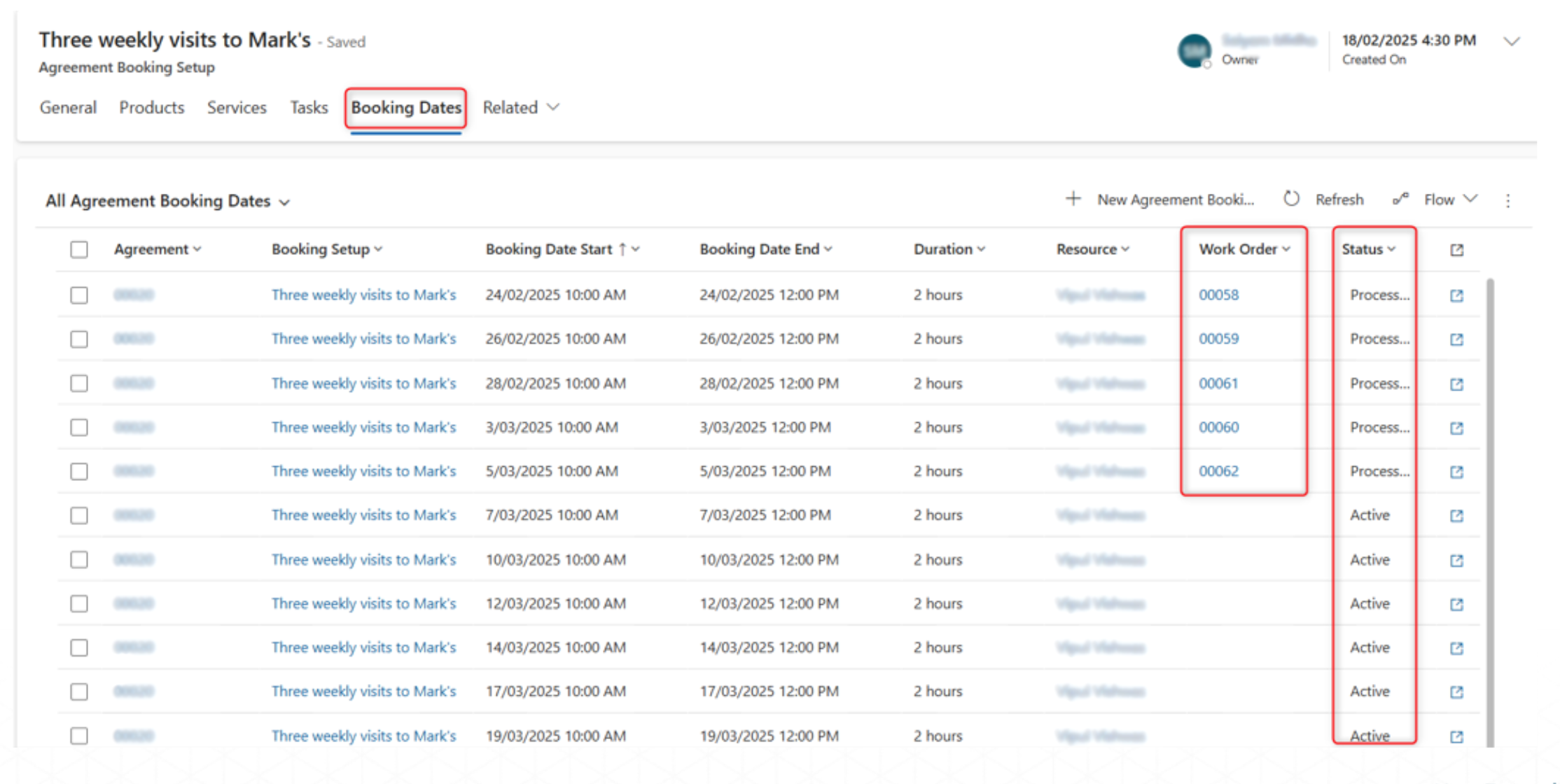
Under Agreement Booking Setups, we can see the Bookings created that will generate Work Orders to be completed by resources based on the recurrence schedule we created.
- Once a booking date has a work order created it will show as processed.
- Any change to recurrence schedule will only update bookings, with Status as Active, scheduled in the future.
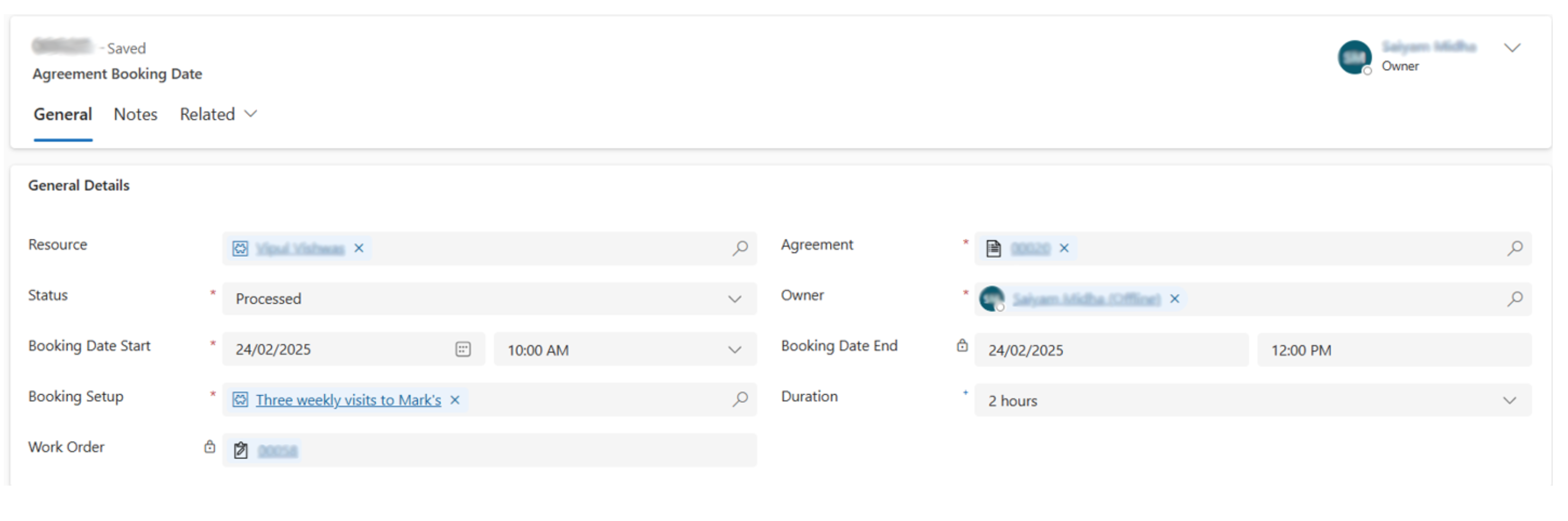
An example of a Booking Date form is given below.
Work Order
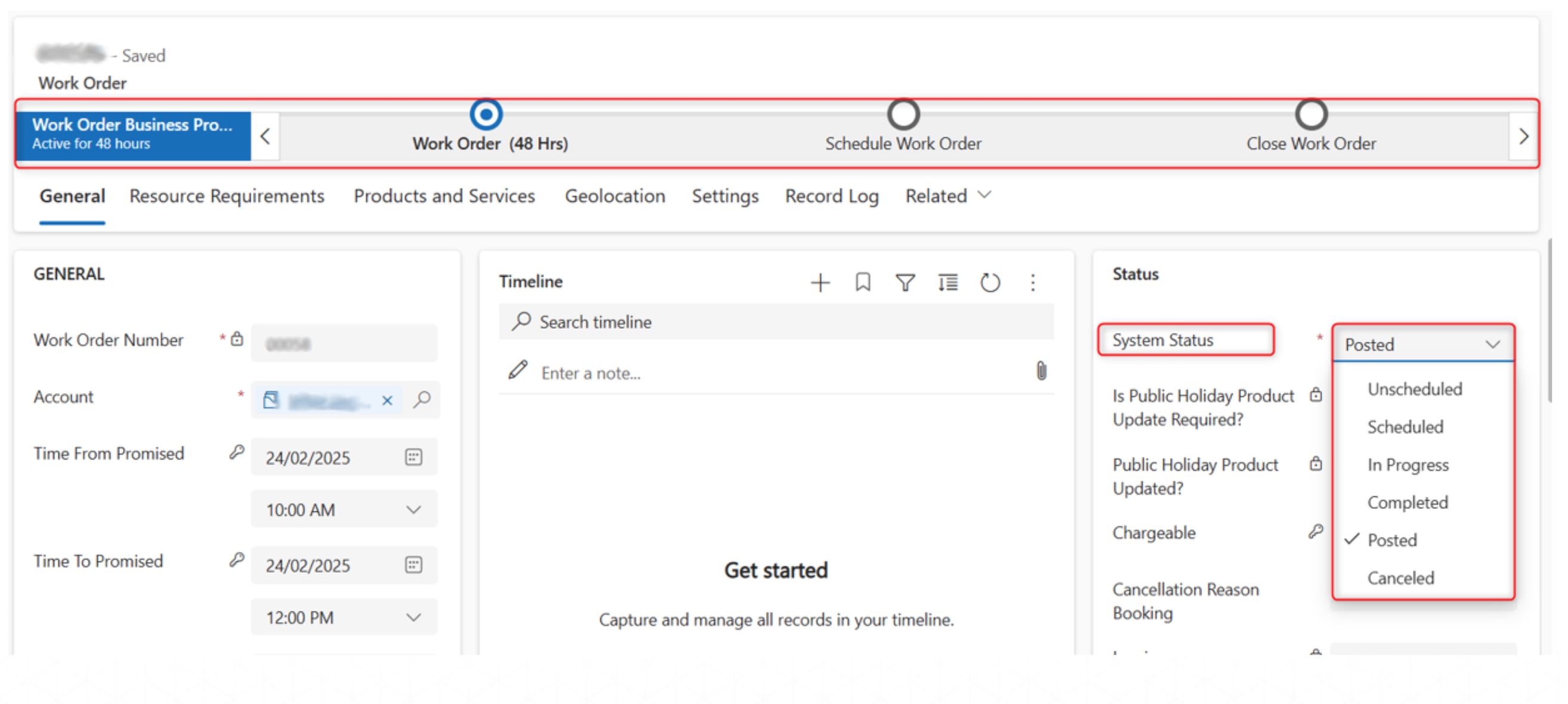
Work Orders are created against a booking. As the work order is scheduled and completed, the Work Order business process progresses and is closed.
Products & Services
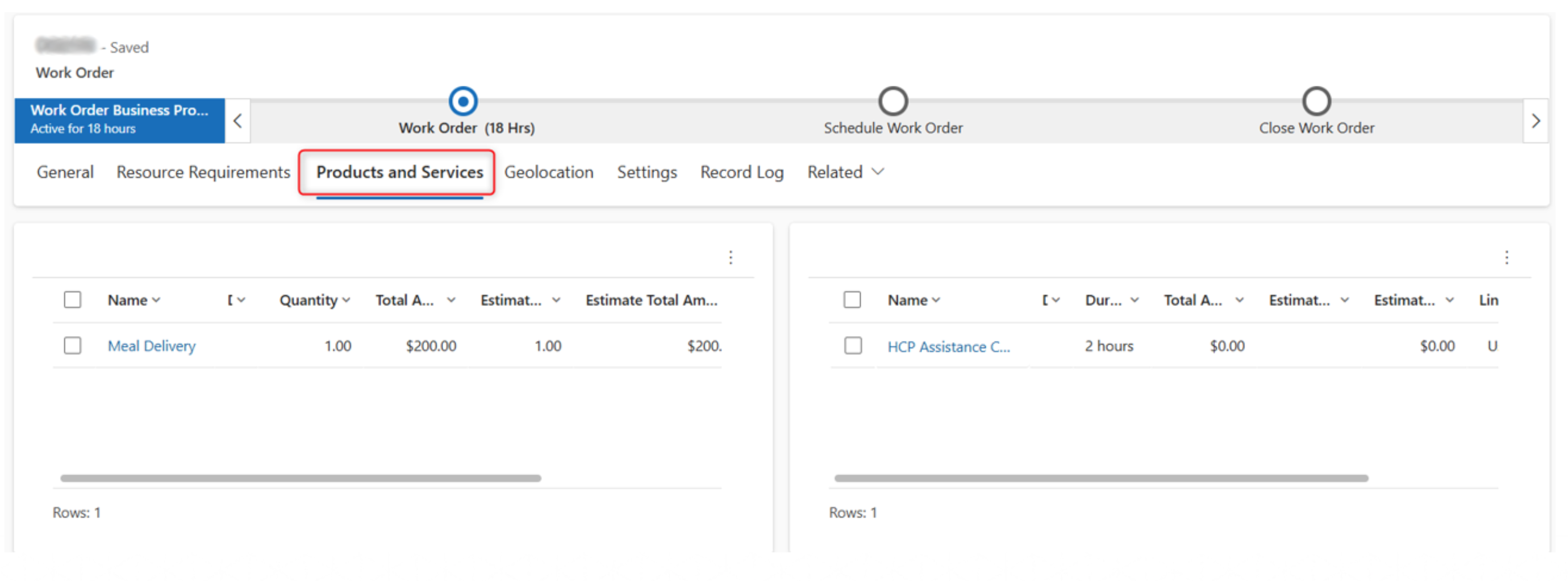
Navigate to the Products and Services Tab to see all the work order products and services.
Select the product or service to see more details of the item selected.
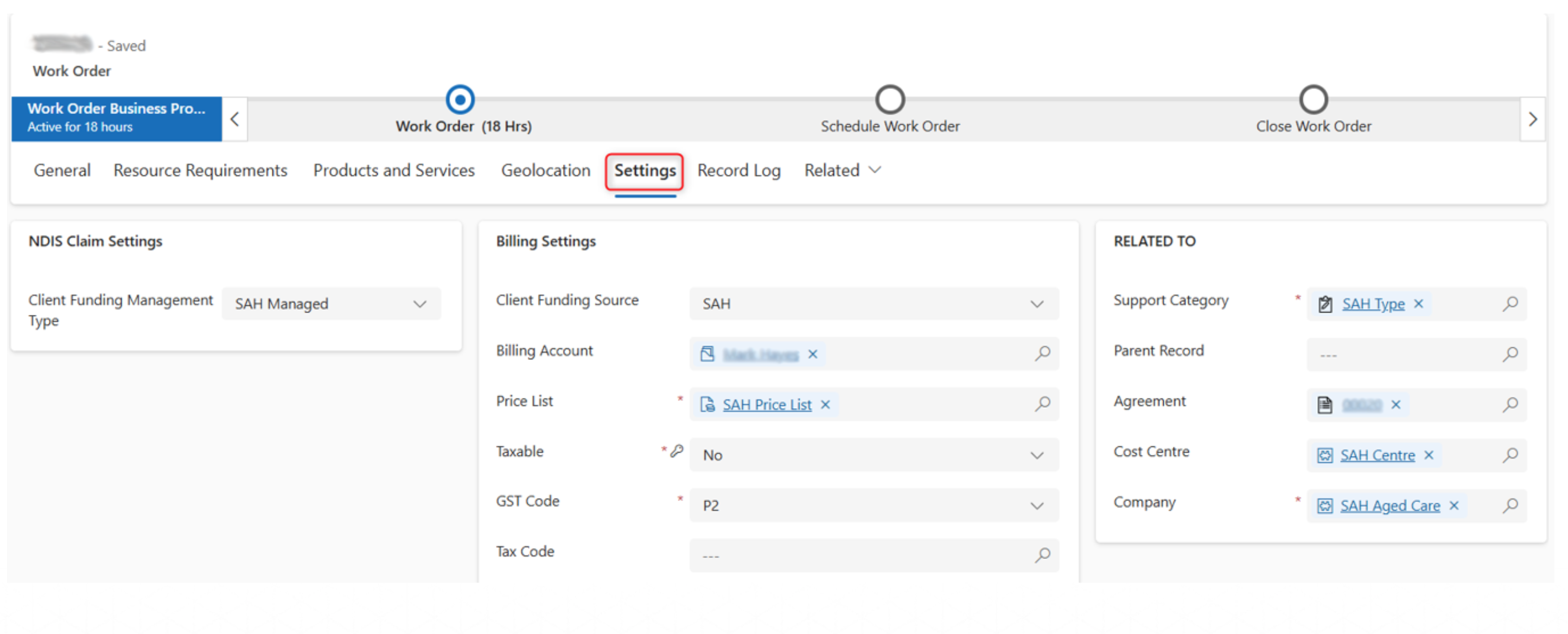
Navigate to the Settings Tab to see all the work order settings. These fields are auto populated.
Monthly Actuals
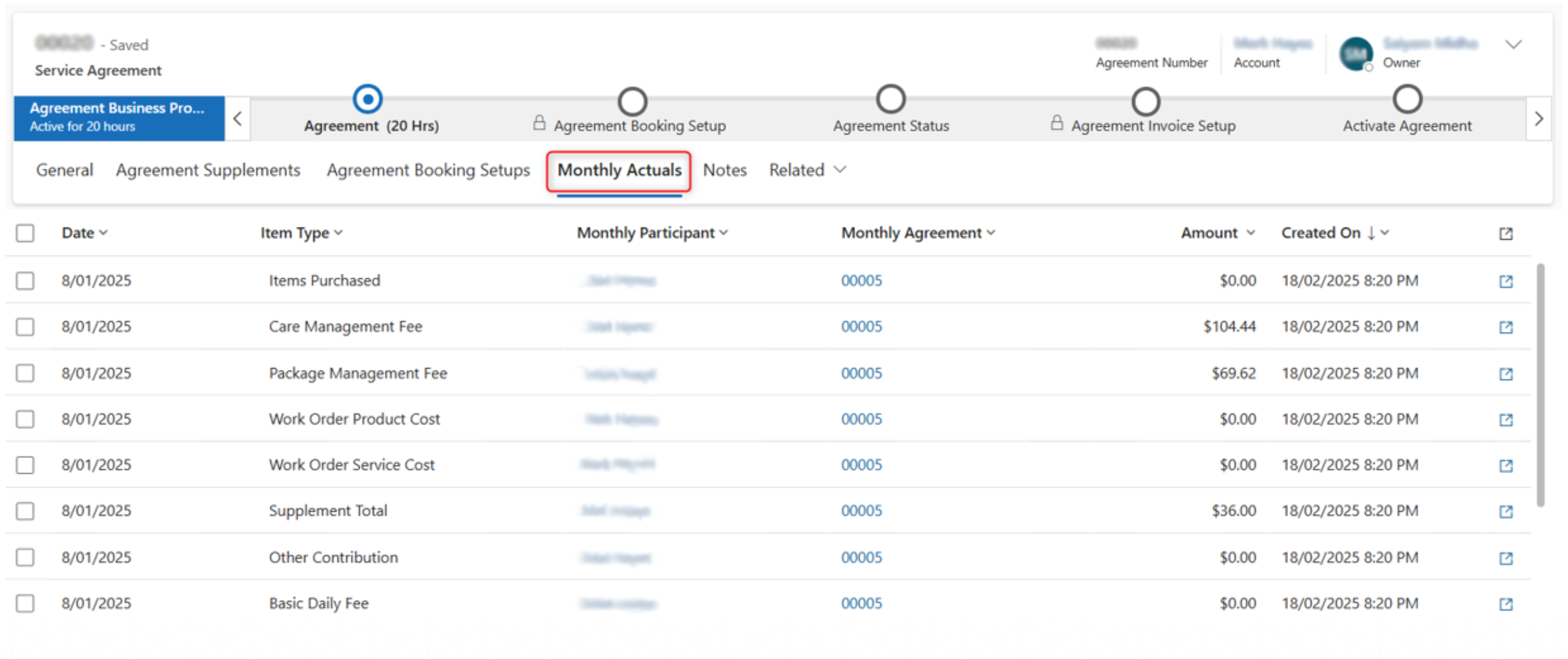
In the agreement, Navigate to Monthly Actuals Tab to see the records generated through the scheduled flow that runs at the end of each month. This also includes the invoice created from the files received externally in a shared mailbox.
Monthly statements includes details of all the monthly actuals records in addition to other participant details.