Sales & Receivables User Guide in Dynamics 365 Business Central
Sales and Shipment
The posting of a Sales Shipment creates the posted sales shipment where a Delivery Note can be printed. If this document is required before the sales invoice, the Sales Order can be Ship posted to provide the posted transaction for Delivery Note printing. Otherwise, the Sales Order can be posted as Ship and Invoice.

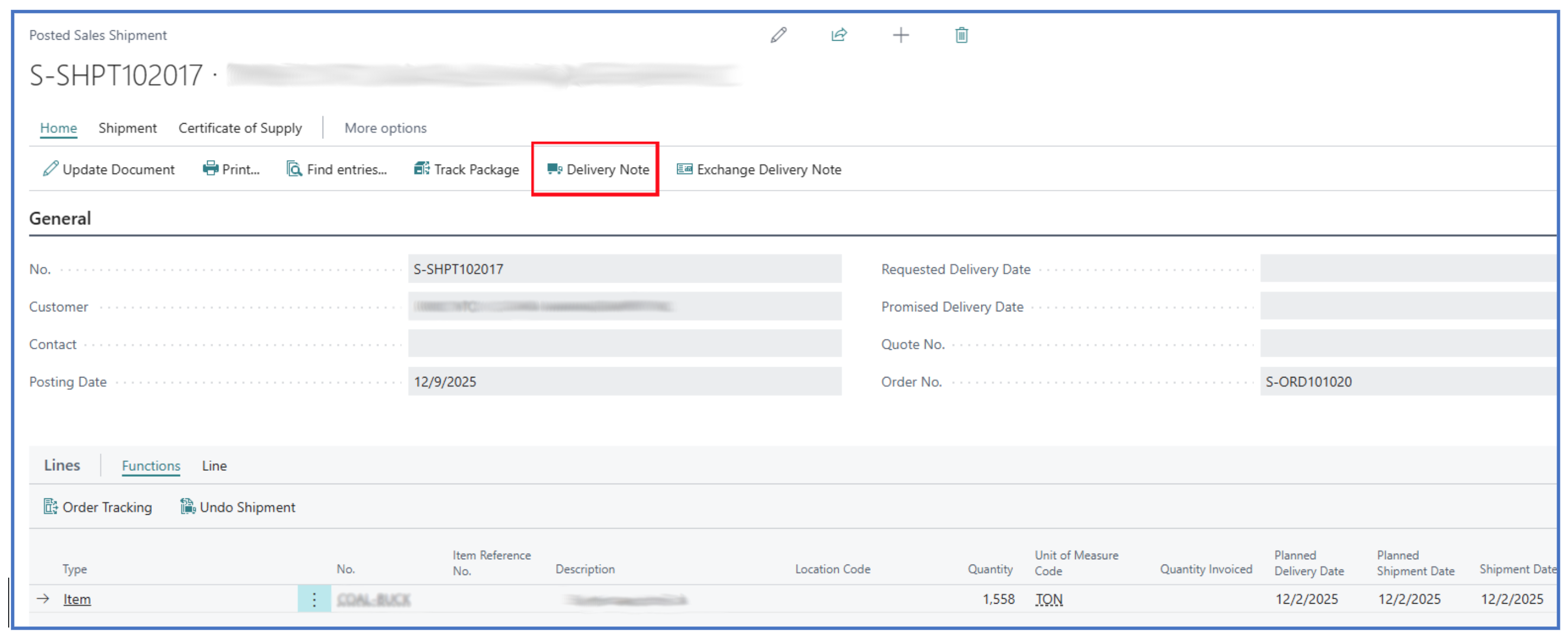
To print the Delivery Note, navigate to the Posted Sales Shipment list page and select any record to open the Posted Sales Shipment page.

For example:
-
Select the Delivery Note menu option to print the document.
-
From the printing prompt, you can Send to, Print, or Preview the delivery document.
Written By:
Peter Loo
Team Leader, Business Central
Connect on LinkedIn
Last updated on