Save and Test Configuration
Saving and Testing Configuration
Once the configuration is saved, you can test the flow to ensure that historical emails and notes are being extracted and stored correctly.
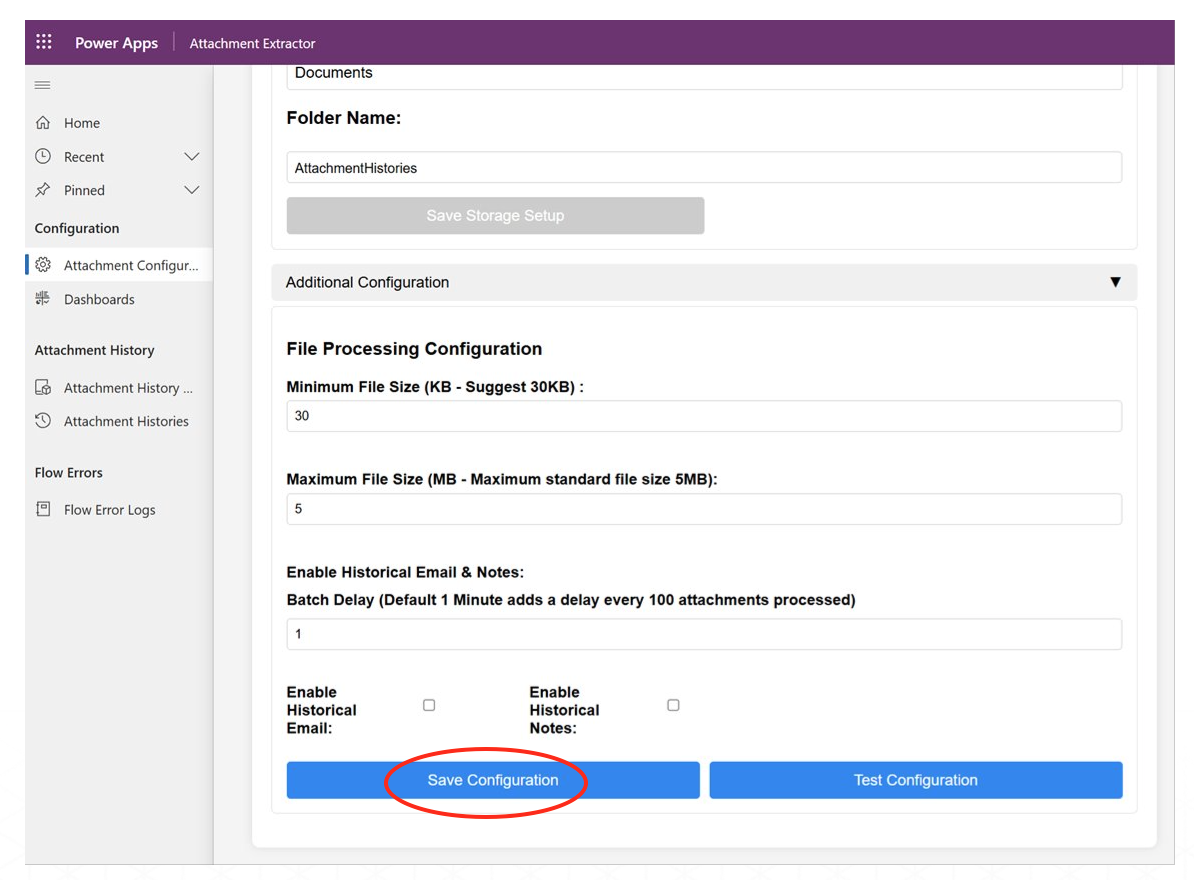
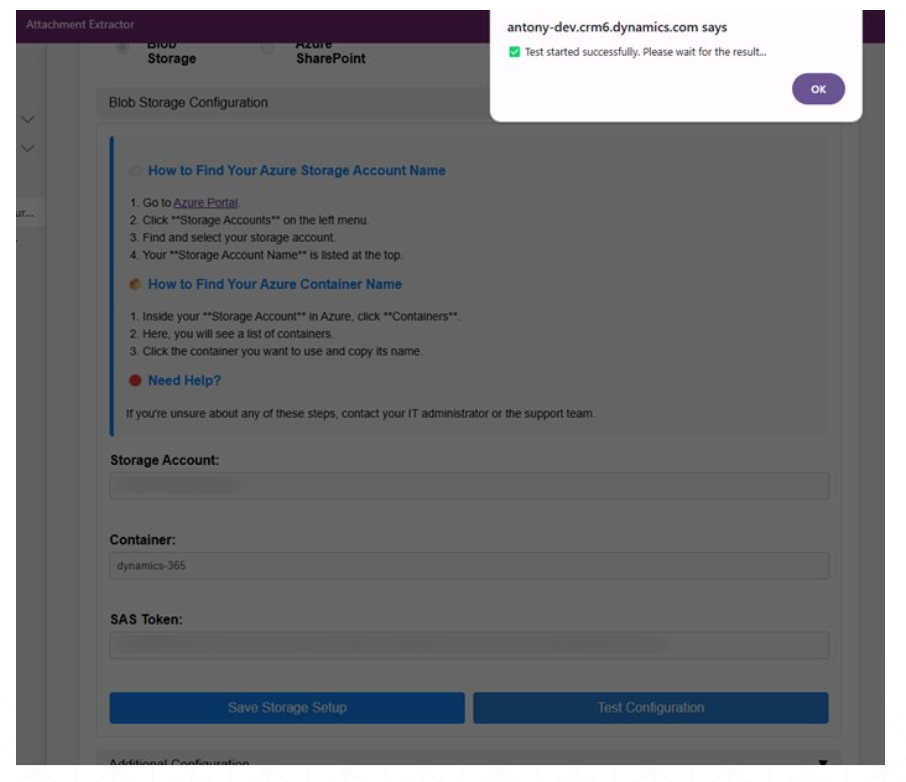
Finally, click on Save Configuration button and then Test Configuration to verify that the entered values are correct before proceeding with attachment extraction.
After successful test, we can proceed with using the Attachment Extractor for SharePoint. Click on Enable Configuration to run the app with the stored details. Wait a few minutes for the system to be triggered.
Last updated on