Flows
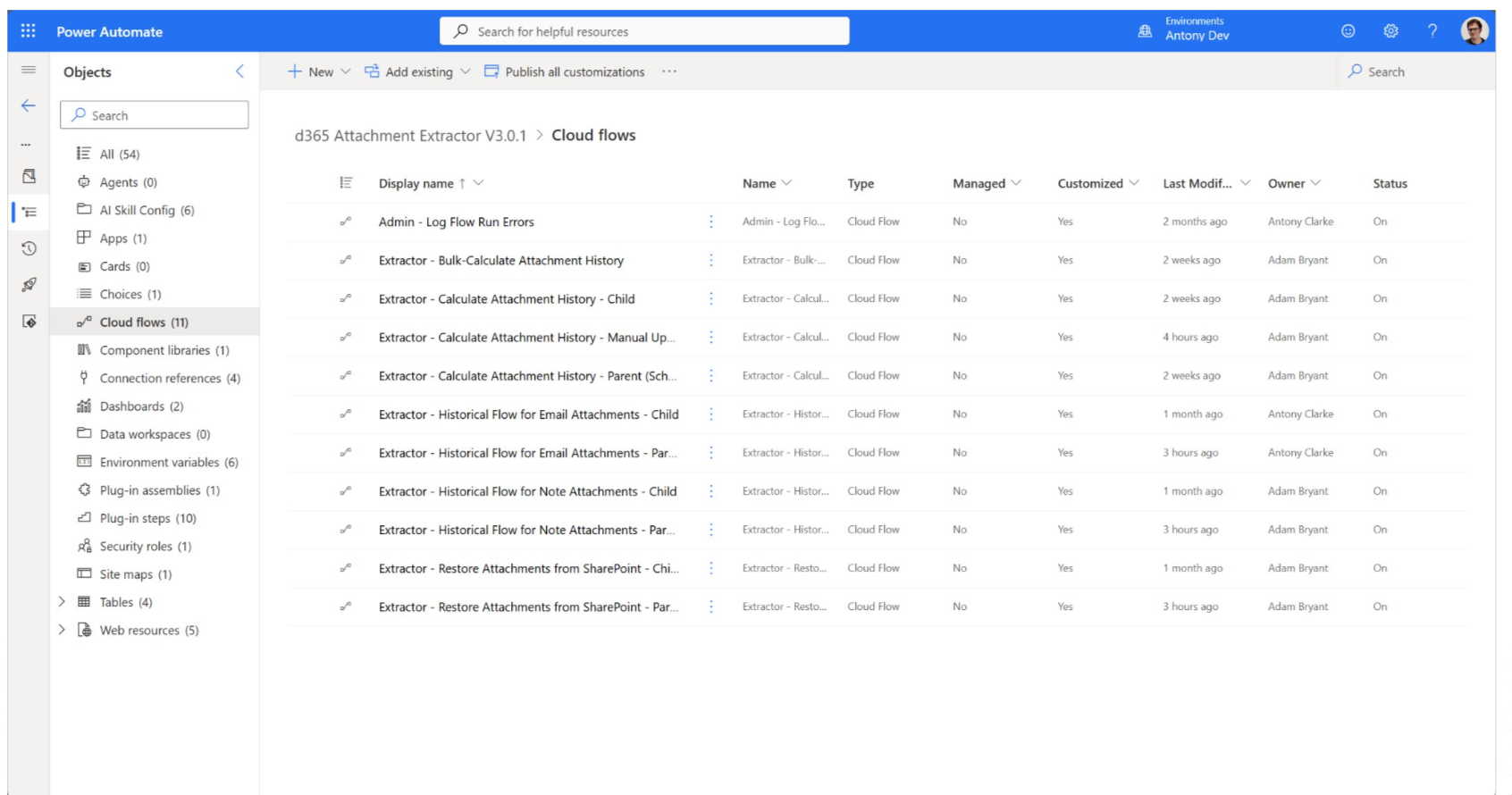
The Attachment Extractor solution uses several flows to perform its functions. Here is an overview.
Accessing Other Flows
If needed, you can access flows and flow runs, including those for the extraction and other flows, via Power Automate as well. You can also directly access flows and flow runs via the flow error logs records in the CRM (for failed runs). Many flows are parent-child, meaning there are two – one which does the main function (child) and one which calls it (parent), usually running sequentially on an array of records or to handle some other processing.
Flow Failures
For most flows when they fail, they generate a flow error log in the CRM to mark down information. When a flow fails for the restoration or extraction flows, the records aren’t affected negatively; the record simply fails to be extracted/restored and can be tried again. Most flows also follow this pattern.